 Tickframe
Time-lapse and stop motion for iPhone
Every frame is written to disk the moment it’s taken. Export in 4K with no watermark, no ads and no subscription.
Coming soon to the App Store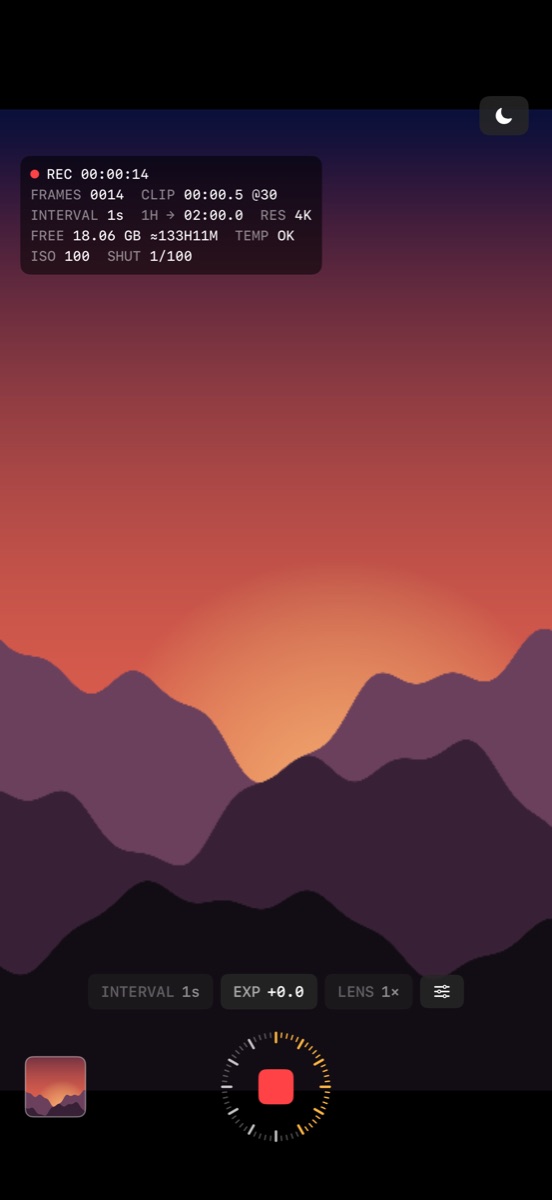
Time-lapse
- Intervals from 0.5 s to 5 min. The interval menu shows how much video one hour of capture makes.
- Stop after a set time, or start after a delay.
- The readout shows frames, elapsed time, clip length, battery, temperature, and free space counted in hours of capture.
- During long captures the screen dims itself. A volume button or Camera Control starts capture.
- Lock focus, exposure and white balance.
Stop motion
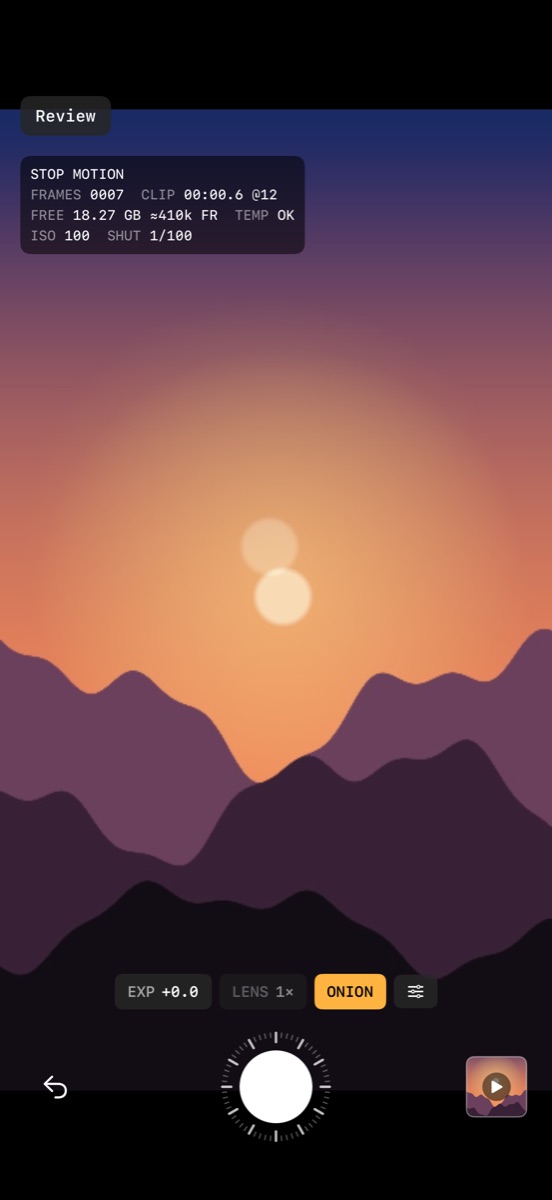
- Onion skin shows the last frame over the camera.
- Undo the last frame, or tap the thumbnail to play the last two seconds.
Edit and export
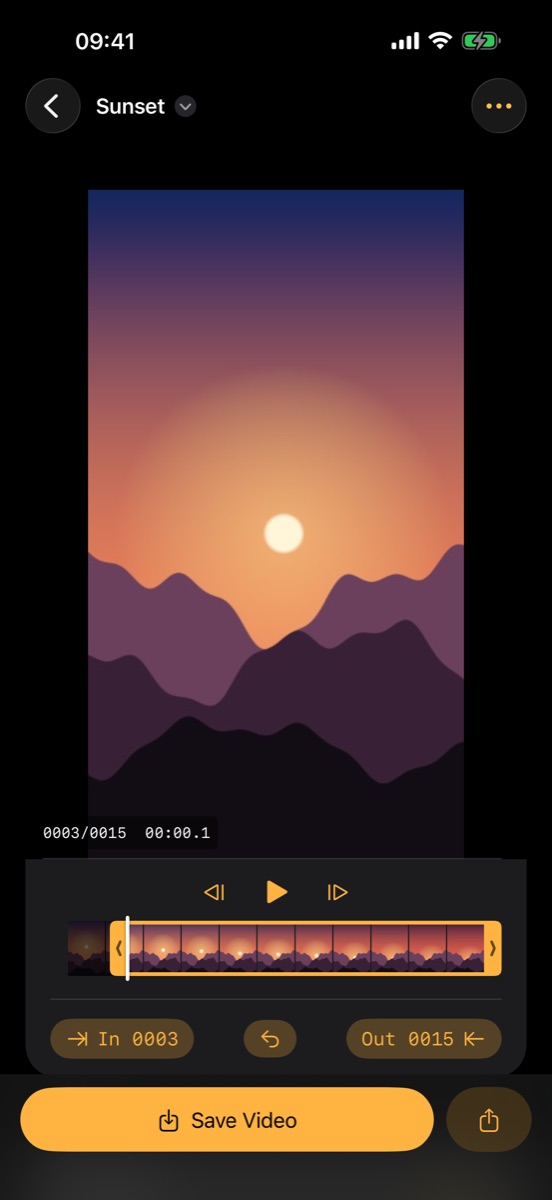
- Trim with handles, reverse, deflicker.
- 12 to 60 fps, up to 4K, HEVC or H.264. Save Video exports and saves to Photos in one step.
- Make a video from photos you already have.
- Every project is a folder of frames in the Files app.
Pro
One purchase, no subscription, shared with Family Sharing.
- Manual ISO and shutter speed in third stops.
- Start at a clock time, for sunrise or the night sky.
Everything else is free, including 4K export.